Ad Blocker Detected
Our website is made possible by displaying online advertisements to our visitors. Please consider supporting us by disabling your ad blocker.
We keep a portable power station in good health by matching storage state of charge and temperature, then validating health, drift, and capacity against the nameplate and calibrating readings to measured voltages with updated firmware as needed. We’ll run through daily use with a 20–80% window, monitor temps, stagger high-load tasks, and ensure proper ventilation. If we don’t address annual diagnostics and balance SOC, or neglect safe storage, performance suffers—so we stay methodical and precise, then proceed to the specifics.
Key Takeaways
- Regular diagnostics and SoC management: run annual (biannual for heavy use) full-system checks, balance cells, verify SoC readings, and log results for maintenance planning.
- Storage and temperature best practices: store at 40–60% SOC and 10–25°C, avoid prolonged heat/humidity, and shield from direct sunlight.
- Daily charging window: keep charging between 20–80% SOC for routine use, with occasional full calibrations and temperature-aware adjustments.
- Charge range and thermal safeguards: stop charging near 80%, use low-voltage cutoffs at 10–20%, and apply temperature-compensated charging above 40°C or below 0°C.
- Thermal management and load sequencing: ensure 0–30°C operating temps with proper ventilation, stagger peaks, monitor inrush, and use smart controls to prevent overheating.
Set Optimal Storage SOC and Temperature for Longevity
How should we set storage SoC and temperature to maximize longevity? We aim for conservative, chemistry‑specific targets to minimize calendar aging and self‑discharge. For LiFePO4, store at about 40–60% SoC with moderate temperatures, leveraging lower calendar degradation. For NMC or other Li‑ion, target roughly 30–50% SoC to balance self‑discharge and high‑SoC stress. Maintain temperature stability in the indoor 10–25°C range; this minimizes combined aging and self‑discharge, and avoids rapid degradation from heat. Use ship‑mode or standby targets around 40% when possible, and avoid near‑100% SoC. Monitor resting SoC every 8–12 weeks, increasing checks in warmer environments. Gentle top‑ups, not full charges, preserve health. Document readings to detect abnormal drain or BMS issues, ensuring modules remain within matched conditions over time. A key main factual point is that LiFePO4 chemistry offers superior long‑term storage stability, especially when combined with moderate SoC targets and steady temperatures.
Charge Within the 20–80% Window for Daily Use
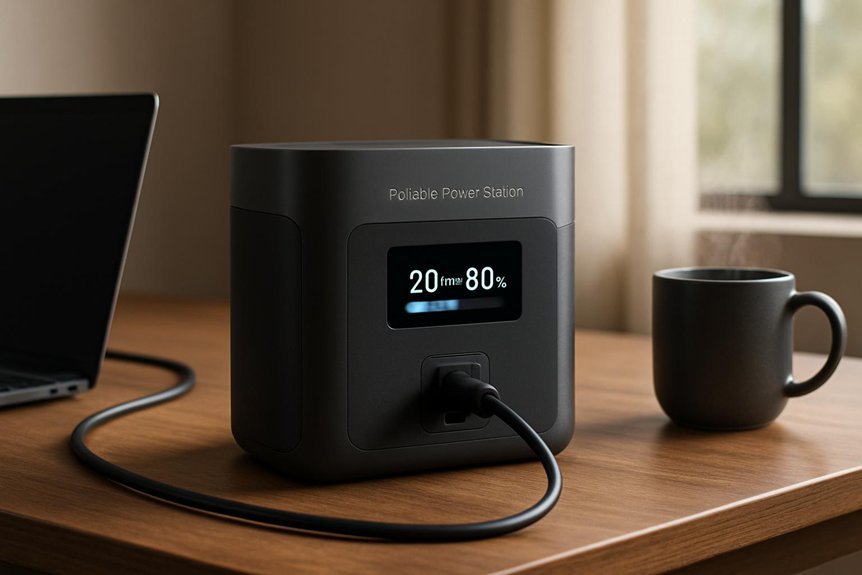
We recommend charging within the 20–80% window for daily use to minimize voltage stress and slow capacity fade. This approach reduces high-SOC exposure, lowers heat generation during termination, and improves mid-range efficiency, with chemistry-dependent benefits. We’ll tailor limits via firmware or smart chargers, balancing daily needs against occasional full cycles for calibration. The 20–80% window helps preserve long-term battery health by avoiding the extremes that accelerate aging.
Charge Range Best Practices
Do you maximize battery life by keeping the state of charge (SOC) within a narrow window? We target 20–80% daily to minimize degradation mechanisms common in Li-ion chemistries. Limiting DoD to ~60% reduces cycle wear, with typical life gains of 1.5× to several× depending on chemistry, while avoiding prolonged 100% exposure curtails calendar aging. NMC/NCA cells benefit most from preventing high-voltage stress; LFP can tolerate wider ranges but 20–80% remains advantageous for consistent performance. Our BMS should support 80% charge stops and 20% minimum cuts, with occasional full top-ups for recalibration. Temperature considerations matter: lower SOC during heat slows aging. Monitor longevity metrics and watch for non-linear DoD benefits. Schedule charging when feasible and balance with occasional full cycles to reset SOC accuracy, avoiding persistent high-SOC floats. High-voltage stress is a main driver of degradation in many chemistries, so staying in mid-range helps preserve capacity over time.
Daily Use Window Tips
Daily use benefits from keeping the SOC within a 20–80% window, so we start charging when SOC hits around 20% and stop around 80% for routine cycles. In practice, this minimizes polarization and long term calibration drift, while reducing high-SOC parasitic reactions. Maintain moderate ambient temps; avoid sustained high temperature during top-ups. Use a charger that matches device capability to limit dwell time at mid-to-high SOC. Short top-up charges (<1–2 hours) are preferred over long bows to 100%. Schedule cycles to prevent deep discharge and full-range calibration except occasionally. Below is a pictorial reminder of the routine window.
| Stage | Action |
|---|---|
| 20% Start | Begin charging promptly |
| Mid-Window | Monitor temp, taper current |
| 80% End | Stop charging, disconnect |
| Maintenance | Calibrate occasionally |
SOC Management Strategies
Charging within the 20–80% window minimizes stress on Li‑ion cells and extends cycle life. We balance SOC estimation accuracy with thermal modeling to maintain safe, efficient operation across daily use. Our approach focuses on practical controls that preserve capacity while meeting reliability needs.
- Use charge termination near 80% SOC to prevent dwelling in the high‑voltage CV phase.
- Implement low‑voltage cutoffs around 10–20% SOC to avoid deep discharge risk.
- Apply temperature‑compensated charging, adjusting limits above ~40°C or below 0°C to prevent aging accelerants.
- Schedule periodic full calibrations with limited frequency to refresh SOC algorithms without habitually stressing cells.
These steps combine SOC estimation with thermal modeling to sustain usable runtime and manageable degradation.
Keep Operating Temps at 0–30°C and Ensure Good Ventilation
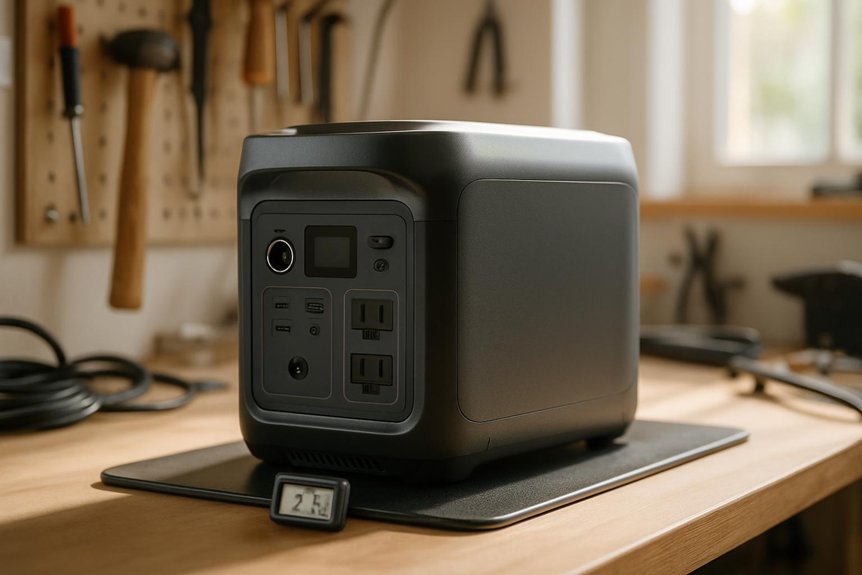
Maintaining operating temperatures between 0 and 30°C and guaranteeing proper ventilation protects battery chemistry and extends cycle life. We monitor internal and ambient temps with integrated sensors and BMS alarms, logging events for trend analysis. Place an external thermometer near the unit to capture ambient conditions rather than relying on distant thermostats. Check surface temperatures on the casing during operation; a surface above 40°C indicates internal stress even if ambient reads lower. Perform periodic manual checks during prolonged use in marginal environments. Maintain clearances of 5–10 cm around vents and guarantee unobstructed airflow; orient intake to cooler air and exhaust to open space. In confined spaces, employ forced ventilation to keep ambient within 0–30°C, and conduct regular ventilation checks and ambient monitoring.
Avoid Sustained High Loads; Stagger Peaks and Monitor Inrush
We avoid sustained high loads by sequencing starts and watching for inrush; we’ll stagger peaks and monitor current, voltage, and heat. Start high-inrush devices one at a time with brief gaps to let the inverter settle, prioritizing the largest inrush first when necessary. We’ll use real-time measurements and, if available, soft-start or current-limiting features to maintain performance without tripping.
Stagger Peak Loads
To prevent overloads, stagger peak loads by sequencing high-draw appliances with intentional delays, typically 10–30 seconds between starts. We balance capacity with cause-and-effect: avoid sustained high loads by planning load sequencing that respects per-port and overall inverter limits.
- Prioritize critical loads first, then sequence others to prevent simultaneous surge
- Use smart plugs or timers to automate staged starts during low-demand windows
- Allocate cool-down intervals for repeated cycles and multi-tool sessions
- Distribute loads across available outputs to minimize single-port stress and thermal buildup
This approach minimizes thermal stress, reduces MOSFET cycling, and guards against inverter overruns. By staggering peaks, we protect longevity, respect battery chemistry constraints, and maintain safe operation without triggering protective shutdowns.
Monitor Inrush Currents
How can we effectively monitor inrush currents without tolerating sustained high loads? We monitor inrush with a true-RMS clamp meter or power analyzer logging at ≥1 kHz to capture millisecond spikes, recording LRA and peak wattage for motors, compressors, and pumps. Log start-up duration (typical 100–500 ms for compressors; up to 2 s for some HVAC brushless systems) and store time-stamped events correlated with ambient temperature and battery SOC to detect pattern changes. Compare peaks to inverter surge rating and battery C-rate headroom to verify margin. Apply soft-start devices to reduce startup current by 30–90%. Implement high-speed sampling (≥2 kHz) in the controller to trigger soft-throttle, with staged outputs and alarms for short spikes vs sustained overcurrent.
Run Annual Diagnostics and Balance SOC Regularly
Annual diagnostics should be performed regularly to verify health and detect drift early. We run a structured program to confirm capacity, monitor BMS logs, and verify SoC accuracy, then balance the SOC as needed.
1) Conduct a full-system diagnostic annually, increasing to biannual for heavy-use or critical installations, and log capacity vs nameplate.
2) Perform capacity/cycle testing, computing SoH and recording ambient temperature with corrections.
3) Execute SoC balancing and calibration, aligning cell voltages, validating SoC readings, and updating firmware before calibration.
4) Complete diagnostic checks for supporting systems, charging sources, inverter performance, thermal management, and data integrity.
We document results, set thresholds (SoH, voltage spread, errors), and plan maintenance to preserve a healthy balancing schedule.
Store, Transport, and Handle the System Safely With Clear Procedures
We store, transport, and handle the portable power station using established, safety-first procedures that minimize risk of damage and degradation. We begin with storage: keep SOC at 40–60% and ambient 10–25°C, avoiding prolonged exposure above 40°C. Maintain relative humidity below 60% to prevent corrosion and condensation; store in a clean, ventilated, fire-resistant area away from flammables and direct sunlight, on stable, vibration-free shelving with anti-static packaging. For transport, secure upright when possible, use rated restraints, protect terminals with caps, disconnect external cables, and follow IATA/ICAO or UN labeling rules, including SOC limits. Record transport conditions for post-transport inspection. Handling requires mechanical aids for heavy units, PPE, LOTO before work, and two-person minimum for awkward tasks. Pre-storage checks include SOC verification, visual inspection, firmware/BMS status, and secure removal of accessories, with emphasis on storage humidity and transport labeling.
Frequently Asked Questions
How Often Should I Recalibrate the SOC Reading?
We should recalibrate periodically: recalibration frequency depends on use and conditions, but we target annual for normal use and every 3–6 months for heavy use to maintain SOC accuracy and reliability.
Can I Use Non-Manufacturer Chargers Safely?
We can use non-manufacturer compatibility with caution, but third party safety remains paramount. We’ll verify input specs, charging protocols, and BMS responses, monitor temperatures, and limit use to trusted, compliant chargers to minimize risks and preserve longevity.
What Signs Indicate Harmful Battery Swelling?
Swelling signs include visible bulges, misaligned panels, and thicker casings. In a study, 2–8% of packs show early swelling under load. Signs of battery swelling and causes of swelling during charging demand immediate shutdown and inspection.
How Should I Handle Firmware Updates During a Outage?
We handle firmware updates during an outage by prioritizing outage handling, using non manufacturer chargers only if approved, and ensuring SOC accuracy and calibration frequency stay aligned; monitor safety concerns, battery swelling indicators, and storage with load throughout.
Is It Safe to Store With a Connected Load?
Is it safe to store with a connected load? Not ideal. We’d avoid it for isolation practices and storage safety; disconnect when idle, keep SOC mid-range, and ventilate, monitoring temperature to prevent thermal and degradation risks.
Conclusion
We’ve covered practical steps to keep a portable power station reliable: store at 40–60% SoC and 10–25°C, charge daily within 20–80%, keep temps 0–30°C with good ventilation, avoid sustained high loads, run annual diagnostics, and handle/storage procedures properly. Think of it like tuning a precision instrument: a nightly calibrate keeps readings honest, just as a cyclist oils chains before a race. With disciplined routines, longevity and data integrity stay aligned with the nameplate.